

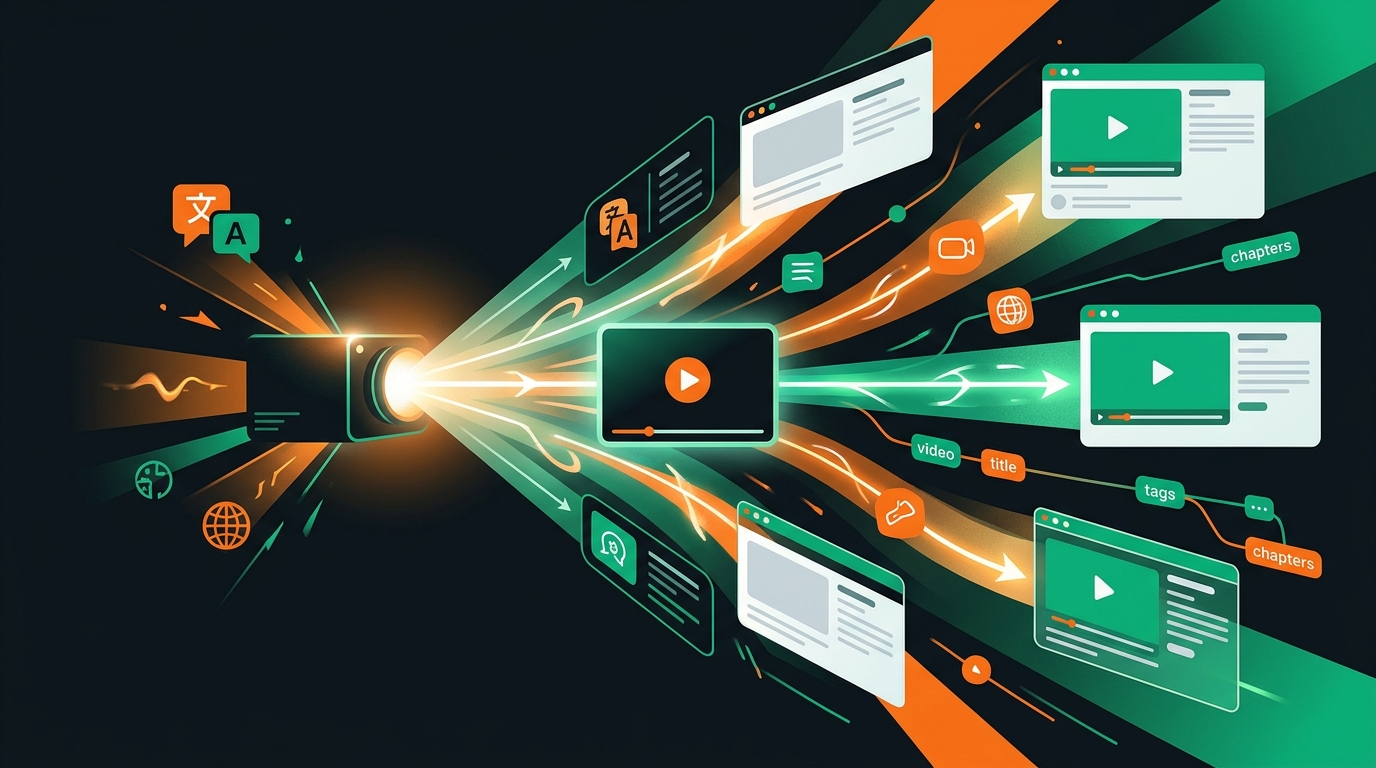
How to Reach Viewers in Other Languages Without Re-Recording Your Video
To reach non-English viewers, translate the text around your video — title, description, tags, chapters — so they can find it in their own language. Here's how, and what AI does and doesn't do.
VidSeeds.ai Team
By
How do I reach viewers who speak other languages?
You translate the text around the video, not the video itself. A YouTube viewer in São Paulo or Jakarta searches in their own language, so if your title, description, tags, and chapters are only in English, your video never shows up in their results — even when it's exactly what they're looking for. Localize that metadata into their language and you become findable. The footage stays the same; the words that get it discovered change.
This is the part most "video translation" advice gets backwards. It talks about re-recording your audio in a dozen languages, as if the goal were a Russian voice coming out of your mouth. For discovery, that's the expensive long way around. The high-leverage move — the one that actually puts your video in front of new people — is localizing the metadata. So let me walk through what that means, where it helps, and where it honestly doesn't.
Should I translate the audio or the metadata?
Start with the metadata. It's what decides whether anyone in that language ever finds your video in the first place.
Think about how someone discovers you. They type a phrase into YouTube search, or the home feed serves them a thumbnail with a title attached. Both of those are text. If the text is in a language they don't read, the video might as well not exist for them — it won't surface in their search, and if it does appear, the title won't make them click. Dubbing the audio fixes the watching experience, but only after they've already found the video. Metadata is the front door; audio is the living room. You localize the front door first.
There's also the cost difference. Rewriting a title, description, and chapter list for a new language takes a model a minute or two. Re-recording or dubbing an entire video — even with AI voices — is a separate, heavier project, and a worse-quality one than most creators expect. For the question "how do I get found by people who speak Spanish," metadata localization is the answer that does the most for the least.
What exactly gets localized when you translate metadata?
The text fields YouTube and other platforms use to surface and describe your video:
- The title — rewritten so it reads naturally and matches how people in that language actually search, not word-for-word from English.
- The description — including the first 100 or so characters, which is all YouTube shows above the fold, where the search-relevant keywords need to land.
- The tags — in the target language, mapped to real local search terms.
- The chapters — so the timeline labels make sense to a viewer who doesn't read English.
Word-for-word machine translation breaks all of these. "I'm dead serious about this" becomes "Estoy muerto serio," which sounds bizarre in Spanish; the real localization is "Hablo totalmente en serio." A title translated literally reads like a robot wrote it, and a robotic title is a title nobody clicks. The work isn't swapping words — it's writing the same meaning the way a native speaker would, so the metadata pulls in the right viewers and reads like a person made it.
Does translating titles and descriptions actually help discovery?
Yes — because most non-English niches are far less crowded than the English one. The same topic that has thousands of English videos competing for the top spot might have a handful in Portuguese or Indonesian. Localized metadata lets your existing, already-good video compete in a market where almost nobody else has shown up.
A few concrete things change when the text around your video speaks the viewer's language:
- Your video starts appearing in searches it could never rank for before.
- Viewers who do find it actually click, because the title reads naturally instead of like a translation.
- They stay longer, because the chapters and description tell them they're in the right place — and watch time is the signal YouTube cares about most.
Be honest about the limit, though: this won't rescue a video nobody wants to watch. Localized metadata helps the right people find a video that's already worth their time. It's a discovery multiplier, not a quality fix. If the video is good, more of the world gets to see it. If it isn't, more of the world gets to skip it faster.
One channel in many languages, or a separate channel per language?
Start with one channel and localized metadata. Spin up a separate channel only after a specific language proves it's worth the extra work.
A single channel with localized titles and descriptions keeps your growth in one place and is far less to manage. The trade-off is that a subscriber who came for your English content sees the occasional non-English signal. A separate channel per language is cleaner for the local algorithm but multiplies everything you have to maintain — uploads, comments, analytics, all of it, times however many languages.
The sane path: localize metadata on your main channel, watch your YouTube analytics to see which languages send real viewers, and only then consider a dedicated channel for the one or two that earned it. Most creators never need more than the single channel. They just need to stop being invisible in the languages their audience already speaks.
How VidSeeds.ai handles this
This is the slow, fiddly part — rewriting a title, description, tags, and chapters into language after language, each one read naturally rather than translated literally — and it's exactly what VidSeeds.ai does. It analyzes your actual video before you upload — the speech, the scenes, the meaning — then writes optimized titles, descriptions, tags, chapters, and a thumbnail, and localizes that metadata into 85 languages for YouTube, TikTok, Instagram, Facebook, LinkedIn, and X. The interface is localized too, so you can work in your own language while you publish in others. You review and edit everything before anything goes live; nothing publishes without your say-so.
Here's the honest boundary: VidSeeds.ai localizes the metadata, not the audio. It does not dub your video, clone your voice, or lip-sync — there is no audio-replacement tool, and that's deliberate. The job it's built for is making your existing video discoverable to people who search in other languages, which is the thing that actually moves your reach. It's an independent alternative to vidIQ and TubeBuddy, with the difference that it reads the video itself first instead of guessing from a keyword box. You can start free with 50 Seeds, no card.
What about actual dubbing tools?
They exist, and they're a different category — that's the honest answer. Tools that generate AI voiceovers or dub your audio into another language solve a real problem: the watching experience for someone who's already on your video and would rather listen than read subtitles. If that's your goal, those tools are the right shelf to shop on.
But notice they don't help with the harder problem, which is getting found. A perfectly dubbed video with an English title and description still won't appear when a Spanish speaker searches. So if you only do one thing, localize the metadata — it's cheaper, faster, and it's the step that turns "great video nobody in this language can find" into "great video that ranks." VidSeeds.ai stays focused on that discovery layer, not audio replacement.
Frequently Asked Questions
Does VidSeeds.ai dub my audio or clone my voice?
No. VidSeeds.ai translates and localizes your metadata — titles, descriptions, tags, and chapters — into 85 languages, plus the app interface. It does not dub audio, generate AI voiceovers, or lip-sync, and there is no audio-replacement tool. The goal is discovery: making your existing video findable to viewers who search in other languages.
Should I translate the metadata or the audio first?
Metadata, every time. Search and the home feed both run on text, so if your title, description, and tags aren't in a viewer's language, your video never reaches them — no matter how the audio sounds. Localizing metadata takes a model a minute or two; dubbing is a separate, heavier project. Do the front door before the living room.
How many languages can I localize my video metadata into?
- That covers the large global markets (Spanish, Portuguese, Hindi, Arabic, Japanese, and more) and many smaller ones, and it includes right-to-left scripts and languages without spaces between words, so the metadata reads correctly in each.
Will translated titles really get me more views?
Often, yes — because non-English niches are far less crowded than English. Your already-good video can rank where there's little competition, and viewers click because the title reads naturally. It won't save a video people don't want to watch, though. It helps the right viewers find a video that's already worth their time.
Do I need a separate channel for each language?
Not to start. Localize metadata on your single main channel, check your analytics to see which languages send real viewers, and only spin up a dedicated channel for the one or two languages that clearly earned it. Most creators never need more than one channel — they just need to stop being invisible in the languages their audience already speaks.