

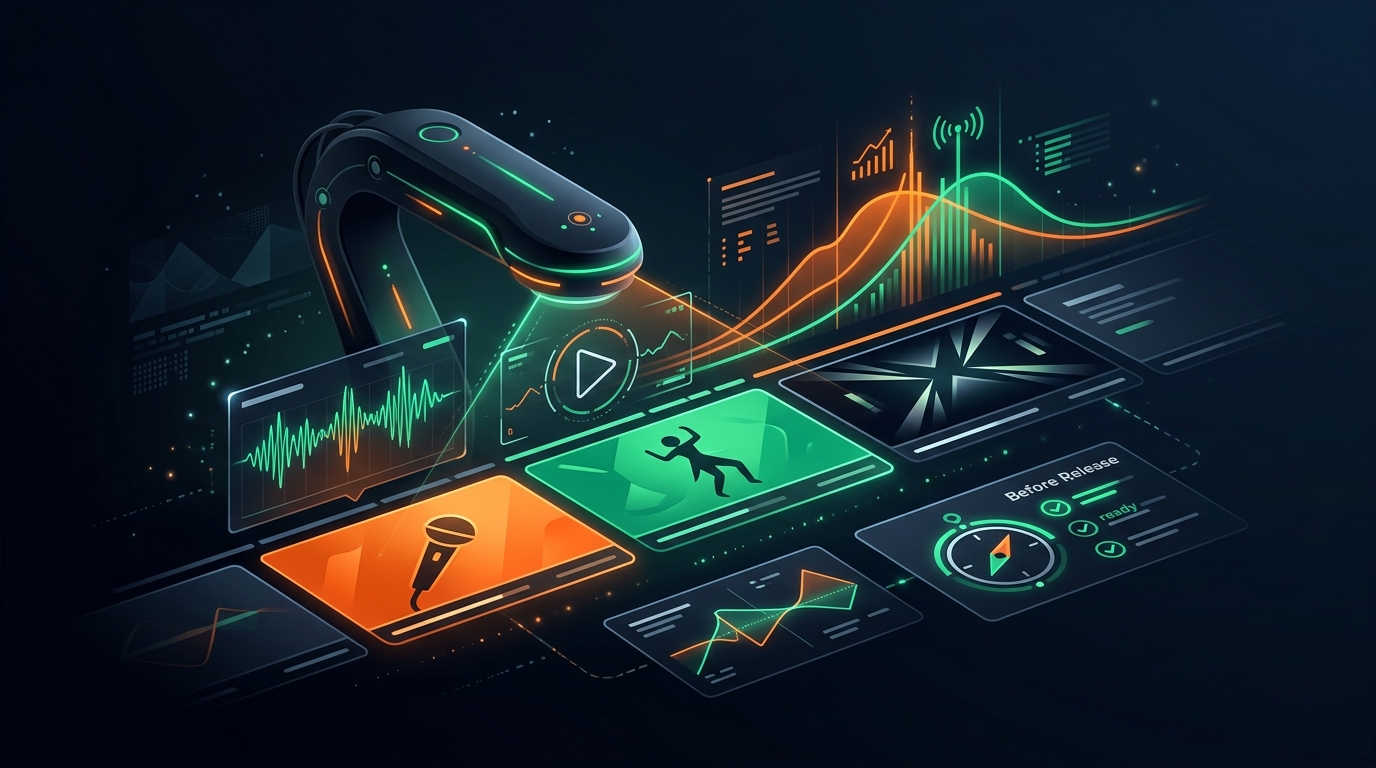
Diagnose a Music Video Before You Release It
The first day or two after a music video goes live carries most of the algorithm's weight, and you can't redo a launch. Here's what to check before you publish.
VidSeeds.ai Team
By
Diagnose a music video before release because the first 24 to 48 hours after you publish carry most of the algorithm's weight, and you don't get a second launch. YouTube, TikTok, and Reels all decide early how hard to push a new video based on how the first wave of viewers reacts. If your title, thumbnail, and hook don't match the song or the people you're trying to reach, that first wave underperforms — and the video rarely recovers. Changing the title a week later doesn't reset the clock. So the cheapest fix is the one you make before anything goes live.
I spend most of my time on a quiet travel channel, not on music, but the rule is the same on any platform: the package you upload with is the package the algorithm tests. You can edit a title after the fact, but you can't un-launch. That's why "check it first" beats "fix it later" every time.
Why does the first 48 hours matter for a music video?
The platforms front-load their judgment. When you publish, YouTube and TikTok show the video to a small test group, watch what they do, and use that early signal to decide whether to widen the reach. A music video lives or dies on that first reaction more than most content, because viewers decide fast — TikTok and Shorts viewers swipe within about three seconds if the opening doesn't grab them.
Here's the part that stings: that early audience is mostly your own subscribers and the people the platform thinks are a close match. They're the friendliest crowd you'll ever get. If the video underperforms with them, the algorithm reads it as "people who should like this didn't" and quietly stops showing it. You can re-upload, but a re-upload starts cold and loses the head start a real launch gives you. The launch is a one-time event. Treat it like one.
What should I check before releasing a music video?
Check that the title, thumbnail, hook, and metadata all promise the same thing the song actually delivers. Most launch failures aren't one big mistake — they're a small mismatch between what the packaging says and what's really in the video.
The four that matter most:
The hook timing is the big one. The strongest moment of the track — the drop, the chorus, the line people will remember — should land early in the version you cut for social. If your best 8 seconds are buried at 0:45, the social edit dies before anyone hears them. Move the hook up, or cold-open on the chorus.
The title and the song have to agree. A title is a promise. If it says "saddest song I've written" and the track is an upbeat club edit, the people who click for one thing leave when they find the other, and that early drop-off is exactly the signal that buries the video. Specific and honest beats clever and vague.
The thumbnail has to read at the size people actually see it. YouTube shows most thumbnails at about the size of a postage stamp on a phone, where most watching happens. One clear focal point, high contrast, and if there's text, three or four words at most. A gorgeous frame that's a muddy smudge at thumbnail size is wasted.
The platform fit is where a lot of music videos quietly lose. A 16:9 master with a 30-second intro is fine for a YouTube premiere and wrong for a TikTok, where it needs to be vertical, hook by 0:03, and readable with the sound off. Same song, different cut, different metadata for each place you post it.
How do I title a music video for search?
Lead with the song and artist name, then add the context people actually search for. Someone looking for your track types the title and your name first, so put those at the front where they're not cut off — YouTube truncates titles on mobile at roughly 40 characters, so the important words have to come early.
After the name, the searchable context is whatever a real person would type: "(Official Music Video)," "(Lyric Video)," "live at," the festival, the year, a featured artist. Those aren't keyword stuffing; they're the words people genuinely use to find a song they half-remember. What you should not do is bury the title under a wall of hashtags or invent a description that has nothing to do with the audio. The platform increasingly reads the actual sound and the spoken or sung words, so a description that contradicts the track works against you, not for you.
What's the difference between checking a video and predicting if it'll go viral?
Checking is knowable; predicting virality isn't, and any tool that hands you a confident "87/100 viral score" is guessing. Nobody can tell you a song will blow up. What you can measure is whether the package is set up to give the song a fair shot: does the hook land early, does the title match the song, is the thumbnail readable, is each platform's cut correct.
An honest "this is ready" or "fix the hook first" is worth more than a made-up virality number that talks you into dropping a video that wasn't ready. The launch you can't redo deserves a real check, not a vibe.
Where VidSeeds.ai fits
The reason this gets skipped is that you're doing it at the end — tired, mix finally done, just wanting to hit upload. That's the gap VidSeeds.ai is built to close. It analyzes the actual video before you publish — the audio, the scenes, the meaning of what's in the frame — and flags where the packaging and the content disagree: a hook that lands too late for a social cut, a thumbnail frame that won't read small, a title that oversells. Then it drafts titles, a description, tags, chapters, and a thumbnail grounded in what's really in the footage, for YouTube and, if you post there too, TikTok, Instagram, Facebook, LinkedIn, and X, in 85 languages.
The thumbnail frames it suggests come from your own video, so the moment is real, not staged. You review and edit everything before anything publishes — nothing goes live without your say-so. What it won't do is promise a hook the video can't back up, or tell you a track will go viral. It's a pre-upload diagnosis: catch the mismatch while you can still fix it. It's an independent alternative to vidIQ and TubeBuddy, with the difference that it reads the video itself first. You can start free with 50 Seeds, no card.
Frequently Asked Questions
Why diagnose a music video before release instead of after?
Because the first 24 to 48 hours decide how far the platform pushes the video, and you can't redo a launch. YouTube and TikTok test a new upload on a small, friendly audience and use that early reaction to decide whether to widen reach. Fixing the title a week later doesn't reset that clock, so the cheapest, most useful check is the one you make before publishing.
What should I check before releasing a music video?
That the hook lands early, the title honestly matches the song, the thumbnail reads at small sizes, and each platform has the right cut and metadata. Most launch failures are a mismatch between what the packaging promises and what the song delivers, not one big flaw. Catching that before upload is far cheaper than recovering after a weak start.
Does the title really affect a music video's reach?
Yes. The title sets the expectation people click on, and if the song doesn't match it, viewers leave early — and that early drop-off is the signal that tells the algorithm to stop recommending the video. Lead with the artist and song name within the first 40 characters, then add the context people actually search for.
Can a tool predict whether my music video will go viral?
No, and you should distrust any tool that claims a confident virality score. Virality depends on factors no one can measure in advance. What a tool can honestly check is whether the package is set up to give the song a fair shot — hook timing, title match, thumbnail readability, per-platform fit — which is the part that's actually in your control.
Do I need a different version for each platform?
Usually, yes. A 16:9 YouTube master with a long intro is wrong for TikTok or Reels, which want vertical, a hook by about three seconds, and text that reads with the sound off. The song stays the same; the cut, the framing, and the metadata change per platform.
Continue Reading
Is VidSeeds Safe for Your YouTube Channel? Here's What You Keep
VidSeeds connects to YouTube through Google OAuth, never your password, and publishes nothing without your confirmation. Here's exactly what access you give and what stays yours.
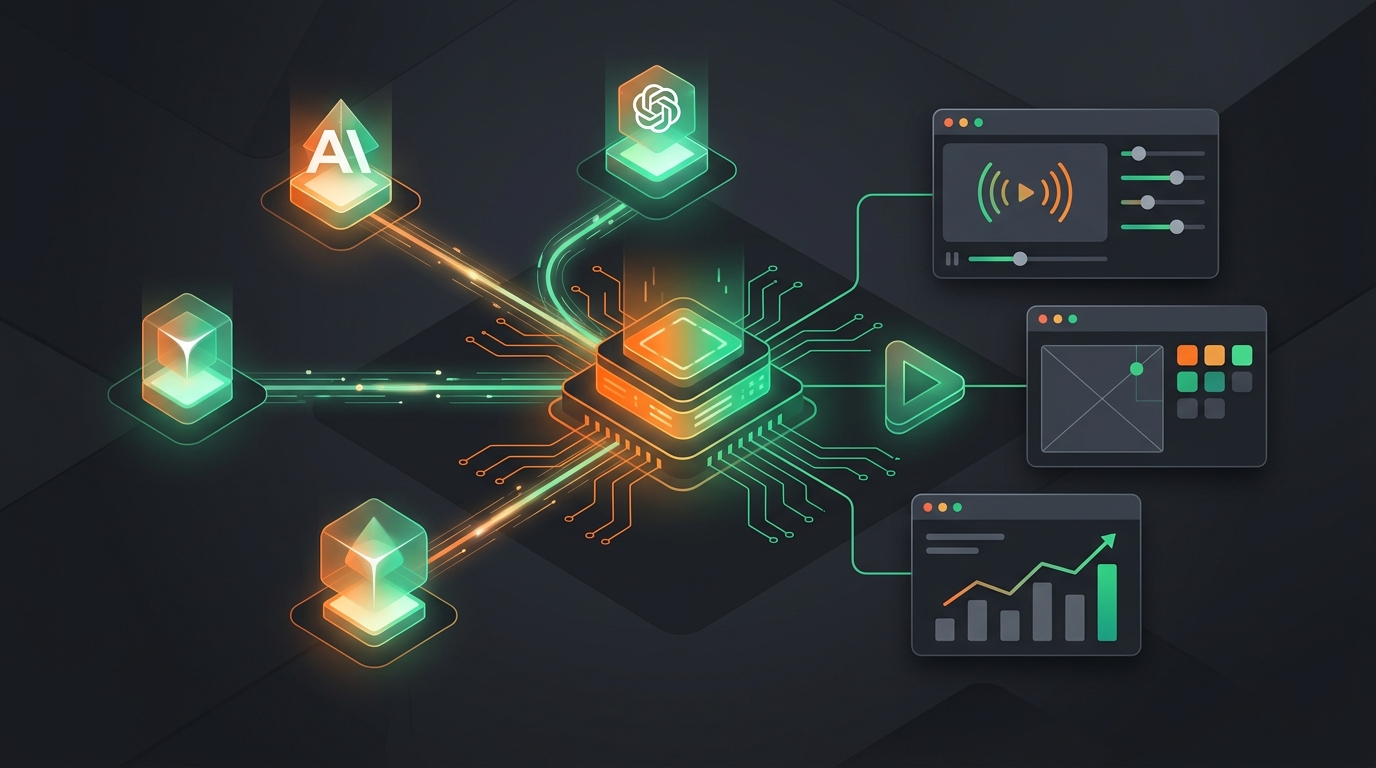
Connect Claude, Cursor, and ChatGPT to VidSeeds: The MCP Server, Explained
VidSeeds.ai runs an MCP server, so an AI client like Claude, Cursor, or ChatGPT can optimize your video, build a thumbnail, and pull analytics directly. Here's what it does, how to connect it, and what it costs.
How to Optimize Your Metadata Without Sounding Like Every Other Channel
Author-voice optimization keeps your titles and descriptions sounding like you, not a template. Here's how AI can learn your style from your own past videos and draft metadata in it.